
How to Put AI Art on T-Shirts: The Complete 2026 Guide
AI art has exploded — but how do you go from a beautiful AI image to an actual shirt you can wear? This guide covers everything from generating the perfect design to choosing the right printing method.
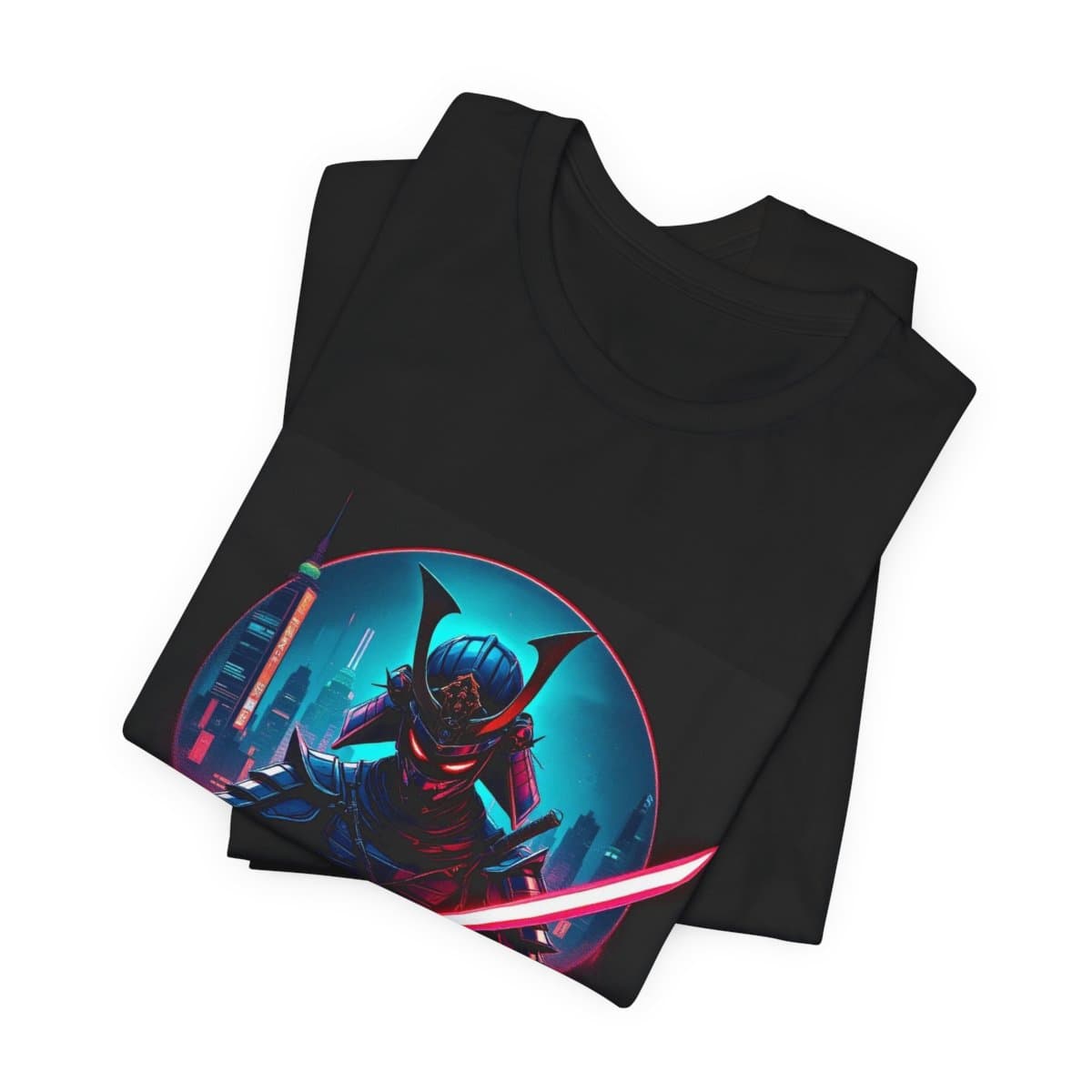
Why AI Art + T-Shirts Is a Perfect Match
AI image generators can create stunning, unique artwork in seconds. T-shirts are the most universal canvas for self-expression. Put them together and you get something magical: one-of-a-kind wearable art that no one else has.
Unlike traditional custom tees (which require you to hire a designer or learn complex software), AI art lets anyone create professional-quality designs with just words. Describe what you want, and AI delivers.
Method 1: All-in-One Platform (Fastest)
The easiest approach is using a platform like Shirtgen.ai that combines AI generation with instant printing. You type a prompt, AI generates designs, and you order directly — no file downloading, no separate printing service, no design software needed.
- ✅ Type a prompt → get 4 unique designs in ~15 seconds
- ✅ Built-in editor for text, colors, and adjustments
- ✅ AI automatically removes backgrounds and optimizes for printing
- ✅ Preview on the actual garment before ordering
- ✅ Premium cotton, ships worldwide
Method 2: Generate + Upload (More Control)
If you want maximum creative control, generate art in your favorite AI tool (Midjourney, DALL-E, Stable Diffusion), then upload to a printing service.
Step 1: Generate Your Art
Key tips for t-shirt-ready AI art:
- Use a dark or transparent background — this prints best on colored shirts
- Go for bold, high-contrast designs — subtle details get lost in printing
- Generate at the highest resolution possible — at least 3000x3000px for sharp prints
- Avoid tiny text — it becomes unreadable on fabric
Step 2: Prepare the File
- Remove the background (make it transparent) — use tools like remove.bg or AI background removal
- Save as PNG with transparency
- Ensure the design is centered and properly sized
- Check that colors are vibrant — prints tend to be slightly less saturated than screens
Step 3: Choose a Printing Service
Upload to a print-on-demand service. Look for one that offers high-quality fabric and printing, like premium cotton with vibrant color reproduction.
What Makes a Great AI T-Shirt Design?
- Bold subjects — animals, characters, landscapes, abstract patterns
- Strong contrast — light elements on dark shirts (or vice versa)
- Clean composition — centered, balanced, not too busy
- Emotional resonance — designs that make people ask "where did you get that?"
Best Prompts for T-Shirt Art
Here are prompt patterns that consistently produce great wearable designs:
- "A [animal] in [art style], dramatic lighting, on black background"
- "Minimalist line art of [subject], single color, clean design"
- "[Japanese/Aztec/Norse] mythology scene, detailed, vibrant colors"
- "Retro vintage [subject], worn texture, 80s color palette"
- "Cosmic [animal] made of galaxies and nebulae, detailed, surreal"
Avoid These Common Mistakes
- White backgrounds on dark shirts — always remove the background
- Low resolution — pixelated prints look terrible, always use high-res
- Too much detail — fabric absorbs ink differently than screens
- Copyrighted elements — don't use AI to copy existing brands/characters
- Ignoring the garment color — preview your design on the actual shirt color
Ready to Try?
The fastest way to get AI art on a shirt is to try our AI designer — type any idea, get 4 designs in seconds, customize, and order. No design skills required, and it's free to create.
🎨 Create your AI t-shirt design now
Free to design. Unlimited AI generations. Premium quality prints.
Start Designing — Free →